Fish Audio: turning text into voices for your projects
Fish Audio brings together speech generation, voice cloning, and audio tools. Explore possible uses in videos, content, and applications.
Voices depend on your browser and device; some require internet access. Code blocks are not read aloud.
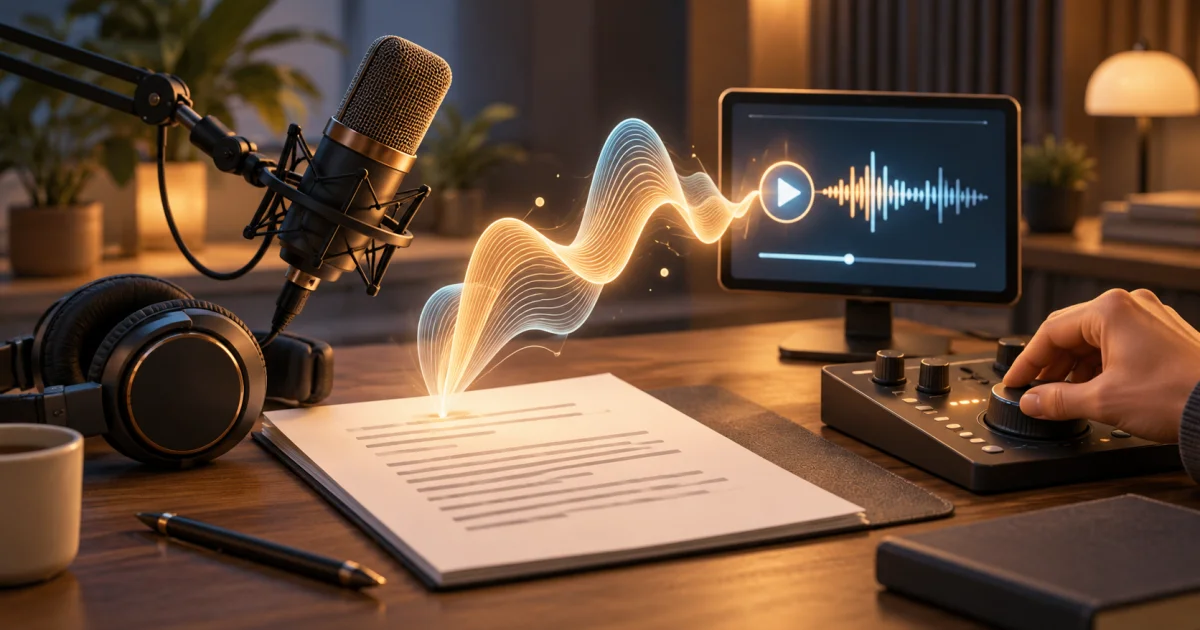
A script may be ready, but it still needs a voice to give the explanation its rhythm. Recording, listening, correcting, and recording again are all part of that stage. Fish Audio offers artificial intelligence tools for working with speech and other audio formats.
The platform can turn text into speech and offers options for voice cloning, narration, and creating dialogue for characters. On the website, these capabilities appear in applications such as explainer videos and narrated content. Meet Fish Audio.
How does it work?
The easiest starting point to understand is text to speech: you provide written content and receive generated audio. The documentation also describes transcription, which goes in the opposite direction, and features for using voice in live applications.
Access is available through the browser and via API, depending on the feature. The second option allows developers to connect audio generation to their own systems. The official overview explains these possibilities and presents tools for creating voices and working with longer narratives.
A possible everyday use
Imagine a small team preparing tutorial videos about an application. In an illustrative example, they could write an explanation of each feature, try out a narration, and listen to see whether the result fits what appears on the screen.
The benefit to assess would be how easily they can adjust sentences and compare versions. The script still deserves care: a confusing explanation does not become clear just because it has a pleasant voice.
I also see an interesting opportunity to prototype dialogue for characters. Before finalizing a scene, you could experiment with different rhythms and intentions, depending on the tools available.
What would I assess?
I would start by listening to texts similar to those in the project. Proper names, acronyms, numbers, and technical terms make good tests. I would also observe whether the delivery suits the context and whether longer passages remain comfortable to listen to.
When cloning is involved, using a voice should start with permission from whoever is entitled to grant it. For commercial content, check the terms of the plan and the features you choose. These points influence how you incorporate the tool into your work.
Fish Audio is on this list because it brings voice production closer to a process in which you can experiment and make adjustments. To explore the features and assess examples, the official website and documentation can help you choose a starting point.
Official sources consulted on October 21, 2026.