Tired of Asking for Help? Learn Computer Skills from Scratch for Free
Free lessons in English to help you use a computer, manage files, send email and stay safer online, with practical activities you can follow at your own pace.
Voices depend on your browser and device; some require internet access. Code blocks are not read aloud.
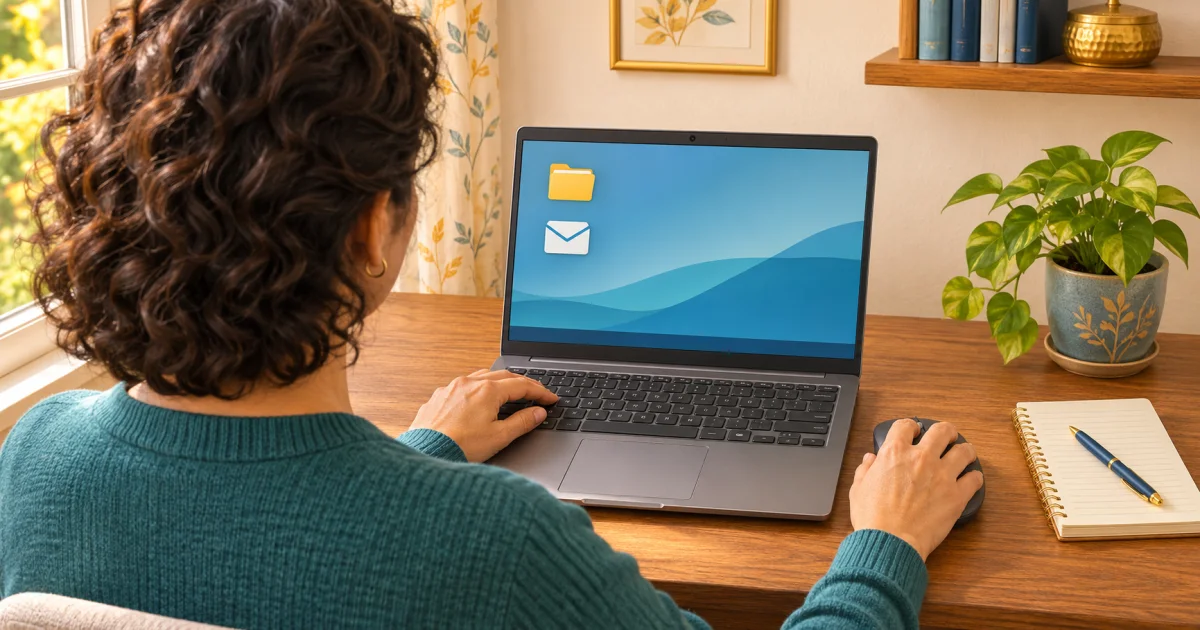
A form asks you to attach a PDF. You downloaded something, but cannot find it. An email arrives with a link, and you are unsure whether to open it.
Perhaps you use your phone every day and still feel lost at a computer. Perhaps someone usually handles these tasks for you.
You can learn them. A useful starting point is a small set of everyday skills, followed by practice with your own hands. These free resources offer lessons in English, with options for complete beginners.
What should you learn first?
Start with tasks you are likely to use:
- Mouse and keyboard: click, scroll, select text and type.
- Files and folders: save a document, find it again, rename it and organise it.
- Internet: open a browser, search for information and check which website you are visiting.
- Email: write a clear subject, reply and add an attachment.
- Documents: create a short page, make simple edits and save a PDF.
- Safety: learn about passwords, account recovery and suspicious messages.
Pick one task from that list. Having a concrete purpose makes it easier to choose a lesson and check what you have learned.
Three free places to start
1. DigitalLearn: short lessons for the first steps
DigitalLearn is an initiative of the Public Library Association, which confirms that its online courses are free for everyone.
Start with Getting Started on a Computer. Its five lessons introduce computers, the mouse, the keyboard and connections such as USB, followed by practice. The listed duration is 21 minutes; allow yourself extra time to pause and try things.
You can then explore lessons on websites, searching and email. The site's privacy policy says most areas can be visited without registering.
My suggestion: use this when you want a manageable introduction to a specific task.
2. LearnFree: build a broader foundation
LearnFree is the updated version of the former GCFGlobal learning site. Its catalogue includes computer skills, typing, internet safety, email and document tools.
Begin with Computer Basics, then explore Basic Computer Skills as your confidence grows.
According to its Help Center, learning content and individual accounts are free. You can explore without an account; signing in helps you save progress. Certificates are available for selected content after completing the required work, so check whether your chosen course includes one.
Some lessons show older software. Choose material that matches your version where possible.
My suggestion: return here when you want to connect individual skills into a more complete understanding.
3. Learn My Way: confidence with everyday digital tasks
Learn My Way is a free platform from Good Things Foundation. The organisation's overview lists beginner topics including using a touchscreen, mouse and keyboard, creating an email account, passwords, online scams and video calls.
You can use it independently. Its public introduction explains that a few topics can be tried before registering; an account gives full access.
This is a UK initiative. Start with the general skills that fit your own circumstances, such as emailing a relative or joining a video call.
My suggestion: begin with the device basics, then choose one everyday activity to practise.
The learning resources above are free. You still need access to a suitable device and an internet connection. Completing introductory lessons also does not, by itself, amount to a professional certification.
A practical way to begin: five short sessions
Try setting aside 15–20 minutes at a time, if that fits your routine. This is a suggested rhythm; repeat sessions and take longer whenever you need.
- Get comfortable with the controls. Practise clicking, scrolling and typing a few sentences. Select a word, delete it and type it again.
- Give your files a home. Create a folder called “Computer practice”. Save a simple document inside it, close it and find it again.
- Search with a purpose. Visit one of the official learning websites listed above. Find a course and identify the page address in your browser.
- Practise email. Write a message to your own address with a clear subject. Attach the practice document and check that it arrives.
- Review account safety. Use a lesson to understand passwords, recovery options and suspicious messages.
For computer skills, spend part of your learning time at a computer. Watching a lesson on a phone can help you understand the steps; operating the mouse, keyboard and file system gives you the practice. If you need computer access, ask a local library or community organisation what it can provide before visiting.
Your first complete challenge
Create a folder called “My first digital task”. Inside it, make a document containing a neutral sentence, such as “Today I practised saving a file.”
Save the editable document, then use your editor's PDF option. Depending on the program, this may appear under “Download”, “Export” or “Print”.
Open the PDF to check it. Attach it to an email addressed to yourself. When the message arrives, open the attachment and confirm that it is the correct file.
That single exercise brings together writing, saving, finding files and using email. If you get stuck, identify the exact step and return to the relevant lesson.
If you are helping someone learn
Let the learner control the mouse and keyboard. Explain one step, give them time to try it and allow repetition.
Ask them to show you how they would do the task again. A short note in their own words can help next time.
Keep passwords and sign-in codes private. When a login is necessary, let the learner enter their details themselves.
Choose one task that currently makes you ask for help. Work through it slowly, and repeat it another day. Being able to find your own document or send your own attachment is a useful result and a clear starting point for the next skill.
Course details and conditions checked against official sources on November 4, 2026. Platforms may update their catalogues and requirements.