Can Claude Replace Office? Anthropic Launches AI Spreadsheets, Whiteboards, and Data Tools
Claude now offers collaborative spreadsheets, whiteboards, and AI dashboards. Explore the features, beta limitations, Microsoft connection, and privacy risks.
Voices depend on your browser and device; some require internet access. Code blocks are not read aloud.
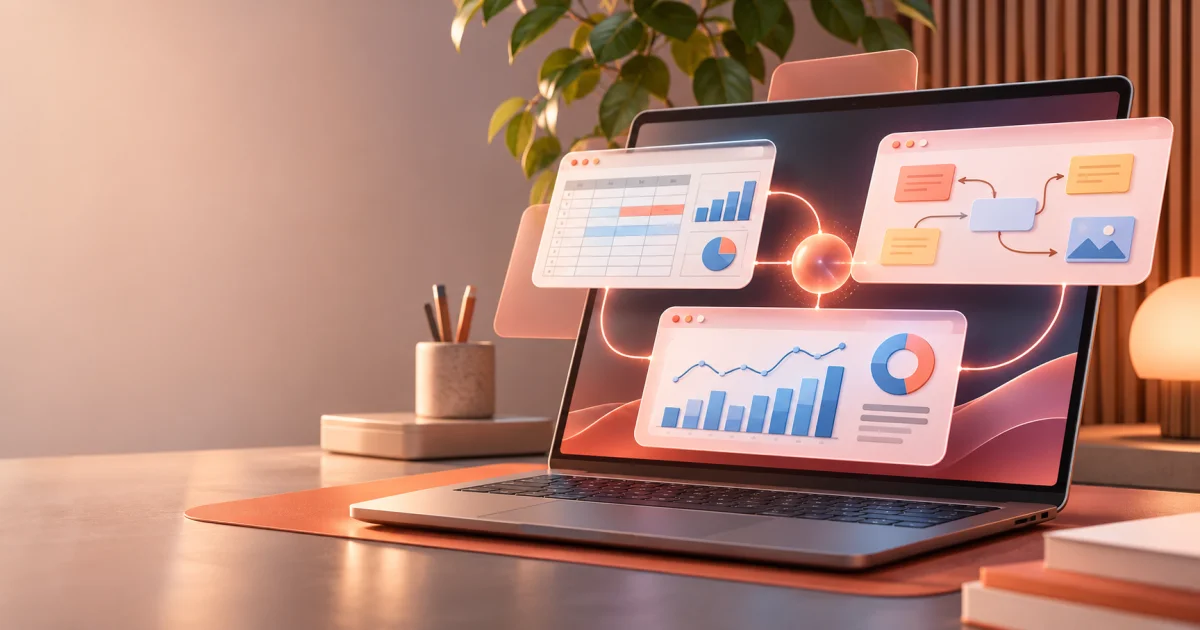
A spreadsheet, a planning board, and a dashboard have traditionally lived in different places. You discuss an idea, move it into a project tool, calculate costs elsewhere, and copy the final numbers into yet another application. Some of the work is genuine analysis. A surprising amount is just moving information around.
On November 10, 2026, Anthropic announced new ways to keep that work inside Claude: collaborative spreadsheets and whiteboards, plus a broader, generally available data product. It brings the assistant closer to an office productivity suite.
So is Claude about to replace Microsoft Office? Not quite. The new products have real potential, but several are in beta, and the Microsoft–Anthropic relationship makes the story more interesting than a straightforward rivalry.
What actually launched
Anthropic did not announce a single “Claude Office” application. It introduced or expanded a family of connected capabilities:
| Product | Main purpose | Status at announcement |
|---|---|---|
| Claude Sheets | Shared spreadsheets, formulas, tabs, charts, and AI-assisted editing | Beta, paid plans |
| Claude Whiteboards | Collaborative diagrams, plans, flows, and timelines | Beta, paid plans |
| Claude Data | SQL-backed dashboards, analysis, and visual data stories | Generally available on paid plans; some features still in beta |
| Claude Meetings | Participate in calls and help create meeting deliverables | Announced with limited early beta access |
| Interactive connectors | Work with partner applications within Claude | Expanded November 10 |
Claude Docs was already available before this announcement, including on the Free plan. Documents, slides, boards, spreadsheets, and dashboards are increasingly treated as outputs of one ongoing task rather than isolated files.
The strategy is easy to understand: stop treating AI as a box that produces text you must paste somewhere else.
Sources: Anthropic's launch announcement and Claude Docs documentation.
Sheets: a spreadsheet people and AI can edit together
Consider a request such as: “Build a six-month budget, separate fixed and variable expenses, identify the months with the tightest cash flow, and create a chart.”
Claude Sheets is designed to turn that request into editable cells, tabs, formulas, and charts. Team members can edit directly while Claude also modifies the sheet. AI changes are visually highlighted, making them easier to review.
The product documentation specifies 144 supported functions, formulas across tabs, conditional formatting, dropdowns, and imports from Excel, Google Sheets, and CSV. Files can be exported to XLSX and CSV.
But beta matters. A sheet is limited to 100,000 cells, and advanced Excel features such as pivot tables, macros, VBA, Power Query, and DAX are not supported at launch. Claude Sheets cannot directly pull live data from connected applications or act as a source for Claude Data dashboards.
This makes it potentially useful for lightweight budgets, campaign trackers, and shared administrative work—not a complete replacement for complex enterprise workbooks.
There is also a platform nuance: the technical guide supports editing on web and desktop, but says mobile access is basically read-only, despite broader mobile language in the launch announcement.
Source: Get started with Claude Sheets.
Whiteboards: brainstorming becomes a structured workspace
Some meetings end with plenty of enthusiasm and very little agreement on what happens next. Claude Whiteboards attempts to close that gap.
People can speak, type, or sketch. Claude turns the input into groups, diagrams, flows, and timelines. Participants rearrange the same shared board in real time, ask the assistant to identify missing steps, and convert the result into a document or presentation.
Whiteboards can also hand work to specialized platforms such as Miro, Lucid, and Zoho Vani. That is an important design choice: a general-purpose assistant does not need to rebuild every expert tool from scratch.
Imagine mapping a customer support process, including escalations and approvals. Claude could help draw the process and show which decisions lack owners. However, a clean diagram is not proof that the underlying workflow is correct. Operational experts still have to verify it.
Source: Get started with Claude Whiteboards.
Claude Data may matter most to managers
The former Claude Dashboards, launched in beta in October, is now called Claude Data and is generally available on paid plans.
With sources such as BigQuery, Snowflake, Amazon Redshift, or Salesforce connected, a user can ask a question in everyday language. Claude writes SQL queries and builds dashboards from the results. It can also prepare visual narratives, written analyses, and short narrated videos.
Two beta features stand out.
Certified queries let teams approve the definition of a metric before everyone starts presenting a different interpretation of it. What counts as an “active customer,” for example, should be defined once and checked rather than reinvented in every chart.
Live sharing lets colleagues view updated dashboard results even without a direct connection to the underlying source. This can simplify distribution, but it creates a serious access-control question: whose permissions are being used to retrieve that information?
Claude Data also includes version history and intelligent data refresh behavior. Its guide notes that data is refreshed when a dashboard is opened and due for an update, not as a guaranteed independent job running at a fixed time.
Source: Get started with Claude Data.
Meetings: work could begin before the call ends
Claude Meetings is designed to appear as a visible participant in a call, initially on Google Meet, and help draft notes, plans, timelines, and action items as people speak.
This is promising because the administrative work after a meeting can consume hours. A useful assistant could turn discussion into a first draft of deliverables while leaving people responsible for verifying decisions.
Availability needs careful wording. Anthropic's main announcement still says Meetings is coming soon, while industry reporting discusses a limited beta for Team and Enterprise organizations. It would be misleading to suggest that any paid user can immediately add Claude to a meeting.
TechCrunch reports that Claude identifies itself as a meeting participant and that controls apply when external guests are involved. Meeting privacy, participant awareness, and permission boundaries are part of the product story, not an afterthought.
Sources: Anthropic's broader product announcement and TechCrunch coverage.
The surprising Microsoft connection
There is an interesting twist: Microsoft's own documentation says its Word, Excel, and PowerPoint file-creation agents in Microsoft Copilot use Anthropic models.
That does not mean every Microsoft 365 feature runs on Claude. It does mean the companies are both technology partners and competitors in productivity software.
Microsoft brings its mature Office ecosystem, enterprise collaboration, governance, and established workflows. Anthropic is betting that users will increasingly want to plan, create, revise, and share without leaving the assistant.
Google is making a related move. On October 29, 2026, it announced direct file generation, preview, and editing inside the Gemini app, including documents, spreadsheets, and presentations, with platform support varying by file type.
Source: Google's official announcement.
The competition is no longer simply about the smartest chatbot. It is about which interface becomes the starting point for everyday work.
Connectors could matter more than replacing an app
Anthropic is also expanding interactive connectors, letting partner applications—including products from Adobe, Atlassian, Box, and Notion—open inside Claude.
Its integration approach involves the Model Context Protocol (MCP). In practical terms, a user may work with existing tools while retaining conversational context, instead of switching tabs and repeating instructions.
From a software architecture perspective, this does not eliminate the underlying requirements. Connectors still need authentication, carefully scoped permissions, reliable data, business rules, and confirmation before consequential changes. One interface does not magically make every integration safe.
The security and privacy questions
Before connecting customer, employee, patient, or citizen information, I would verify who can access it, where it is processed, how long it remains stored, and what actions the assistant can perform.
Claude Sheets is a beta product and, according to its support documentation, does not yet support specific controls such as HIPAA, customer-managed encryption keys (CMEK), and zero data retention (ZDR). That does not make every use unsafe; it may make the product unsuitable for particular regulated workflows.
Claude Data's live-sharing warning deserves special attention: colleagues may see results fetched using the dashboard owner's credentials even without access to the original source. Approved queries are useful safeguards, but the actual data exposed by the results still needs review.
It also helps to distinguish three concepts:
- Processing: data is used to perform the requested task.
- Retention: some data may be stored under applicable policies and settings.
- Training: data may or may not be used to improve AI models, depending on the product, agreement, controls, and exceptions.
Anthropic says inputs and outputs from commercial products are not used for training by default, subject to exceptions such as opt-ins and certain feedback submissions. Consumer plans have a different policy. “Not used for training” does not mean “never transmitted, processed, or stored.”
Under privacy laws, including Brazil's LGPD where applicable, organizations also need a valid purpose and legal basis, data minimization, proper access control, transparency, and an assessment of international transfers. Paying for a plan does not automatically satisfy those obligations.
Sources: Sheets limitations, Data sharing behavior, Anthropic commercial policy, and consumer policy.
For a separate example of why credential handling matters, see You Told Claude Your Password. Who Else Found Out?. That article concerns Claude Code, not a demonstrated vulnerability in the new Sheets or Data features.
Three tests I would run before adoption
Test one: spreadsheets. Build a budget using fictional data. Inspect the formulas, manually change assumptions, and compare totals before and after exporting to Excel. Then increase the dataset within the published limits.
Test two: process mapping. Describe a workflow with exceptions and approval steps. Ask Whiteboards to map it, then look for invented decisions, owners, or deadlines.
Test three: metrics and permissions. Connect a test database to Claude Data. Compare the SQL and results against manually approved queries, then see exactly what a user without direct source access can view through sharing.
The point is not to prove that AI “does everything.” It is to establish where time savings survive careful verification.
Will Claude replace Office?
Not today, and perhaps replacement is the wrong question.
Excel, Word, PowerPoint, Google Workspace, and business intelligence platforms already support deeply established workflows. Claude Sheets itself directs users to Excel when they need its full capabilities.
Anthropic is pointing at a different shift: work may increasingly begin with a conversation rather than an application icon. Spreadsheets, documents, diagrams, and dashboards then become different outputs from a continuing task.
The significant change may not be the end of Office. It may be that people spend less time deciding which program to open—and more time deciding what result they need.
Researched on November 10, 2026 using Anthropic product announcements and support documentation, together with official Microsoft and Google sources. Beta features and availability may change. This article does not claim hands-on testing of the new products.